TikTok downloader

Download TikTok videos without the logo, no login needed.

Paste a video link or an @username — 3stik hands back a clean 1080p MP4, with the TikTok logo gone and the original caption kept.

MP4 video · MP3 sound · cover image · whole profile
2.4M
links downloaded
$0
unlimited downloads
~3s
per link
What you get
MP4 no watermark
MP4 with watermark
MP3
Cover image
Paste @username to browse a whole profile

Every video gets its own download button — no bulk selection needed.

Why 3stik

Why people paste TikTok links here

The file the app never gives you

TikTok streams video in chunks and only offers a watermarked export. Here you get the source MP4 the player itself loads.

Nothing to install

No extension, no APK, no account. A link box and a download button is the whole tool.

Works the same on every phone

Safari on iPhone, Chrome on Android, or a desktop browser all hit the same page and get the same file.

How it works

Three steps, done in ten seconds.

No login, no app to install, no ads shoved into the flow.

1
Copy the video link

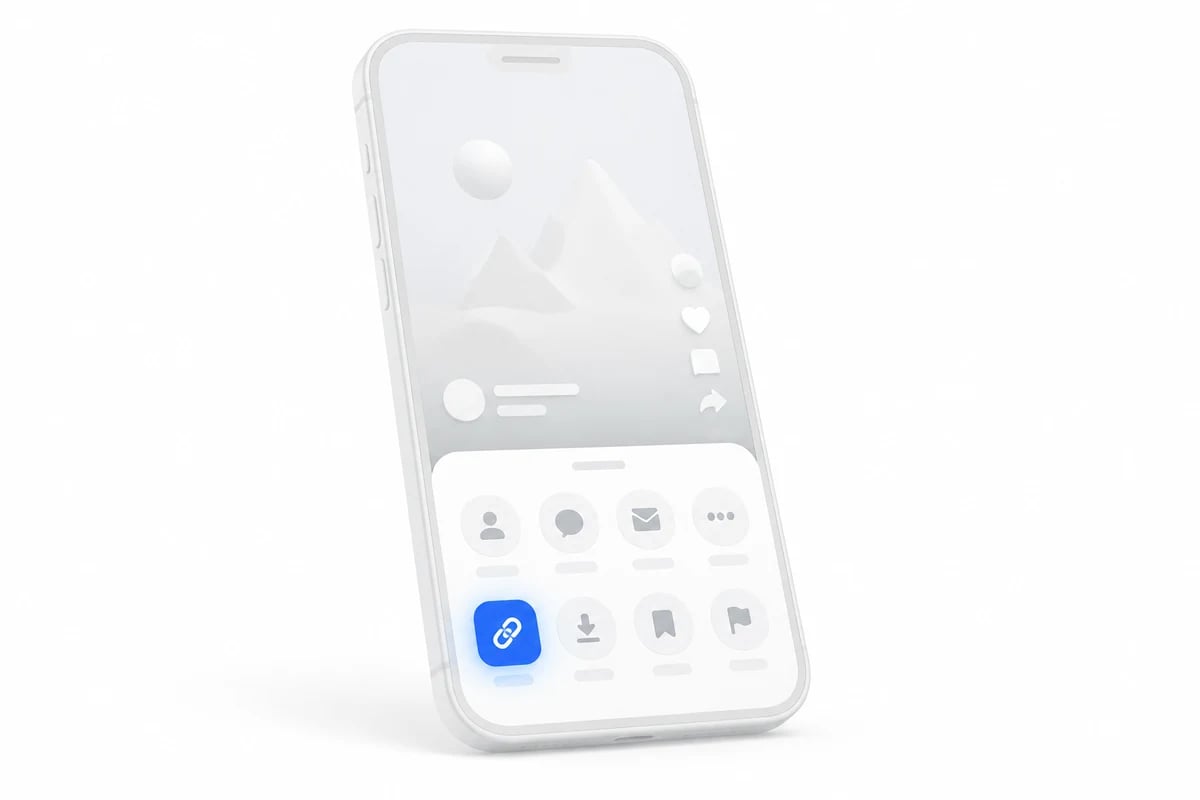
In the TikTok app tap Share → Copy link, or just use the @username.

Phone showing a share sheet with the copy link button highlighted
2
Paste it into 3stik

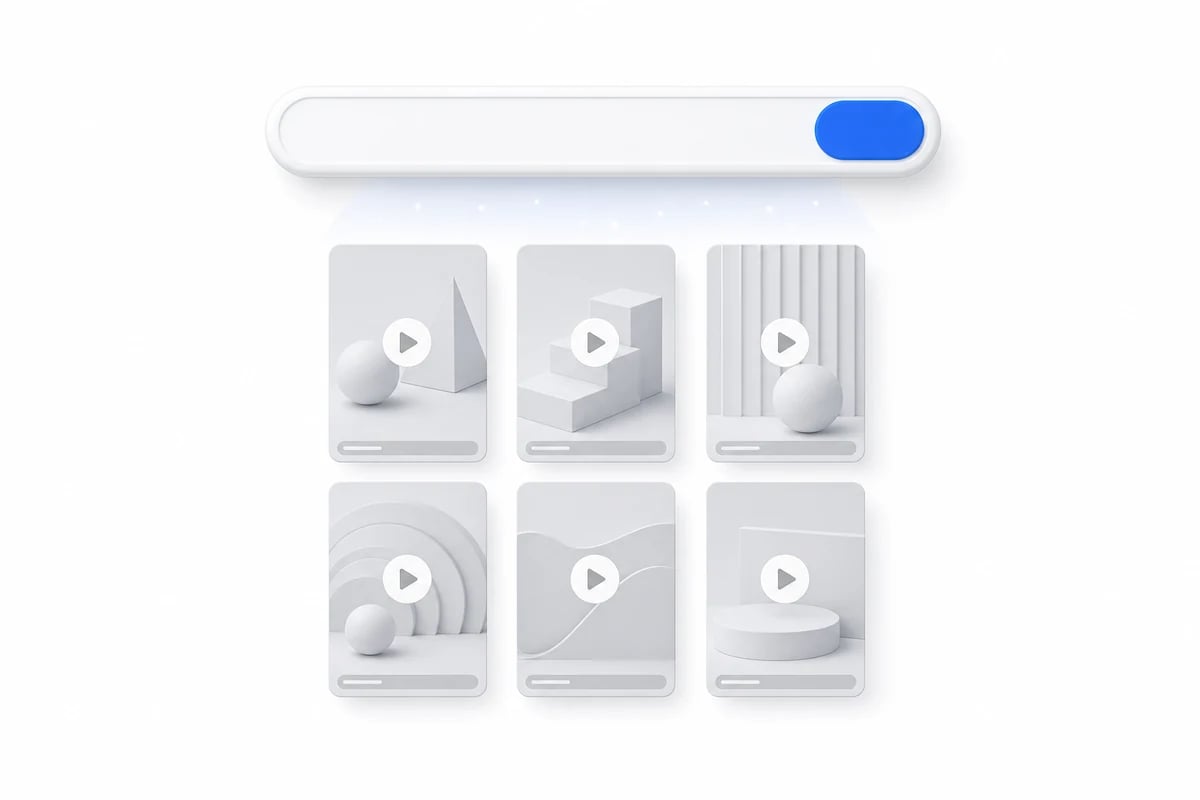
The paste box turns into a list of videos right there.

A paste box turning into a grid of videos
3
Hit Download

Pick 1080p, 720p, MP3 or the cover image before saving.

A video card with a download button and format options
What you can grab

Four kinds of content

01
Single video

MP4 up to 1080p, watermark removed, caption kept.

02
Audio

Extract the original sound as 320 kbps MP3.

03
Cover image

The thumbnail at full resolution, straight from the source.

04
Whole profile

Browse the grid and download post by post.

In detail

Before you download

Where the 1080p actually comes from

TikTok stores several renditions of every upload. The one the app plays is picked for your connection, so a clip that looks soft on mobile data is often sharp at the source. 3stik asks for the highest rendition the platform publishes, which is why the file you save is usually bigger and cleaner than a screen recording of the same video. If the uploader filmed in 720p, no tool can invent the missing pixels, and what you get is that 720p master rather than a re-encoded copy of it.

Why the watermark is gone

The bouncing username you see is not part of the footage. TikTok burns it in when it builds the share export, so the original file never had it. Saving the source is what removes it, not a filter or a crop, which is why the frame stays full size and the edges are not blurred. A watermarked version is still offered as a separate button, because reposting on some platforms goes better when the credit is visible.

What will not download

Private accounts, videos removed by their author, and clips blocked in your region return nothing, because the data is never published in the first place. Age-restricted uploads behave the same way. When a download link stops working mid-session it usually means the signed URL expired rather than the video disappearing, and pasting the link again gets you a fresh one.
Formats

What a TikTok download actually contains

Four files come out of one link. Sizes below are typical for a 30-second clip at 1080p.

FormatQualitySize ~Watermark
MP41080p · 60fps14 MB / 15sNone
MP4720p7 MB / 15sNone
MP3320 kbps1.1 MB
JPGCover image, original240 KBNone
By device

Downloading on iPhone, Android or desktop

Same flow everywhere — only the destination folder changes.

On iPhone and iPad

Open the link in Safari, paste it into the box at the top of the page and hit Download. The file lands in Safari's Downloads; long-press it and choose Save to Photos if you want the video in your library.

On Android

Paste the link into Chrome and hit Download. The video is saved to your Download folder and usually shows up in the Gallery app within seconds.

On desktop

Paste the link into any browser on Windows or macOS. The file goes to your default Downloads folder, keeping full 1080p quality and the original audio.

FAQ

TikTok downloads, answered.

The questions people ask before pasting the first link.

Yes. 3stik pulls the source file TikTok serves before the logo overlay is burned in, so the MP4 you save has no username stamp and no bouncing logo.

Try it with your first link.
Free, unlimited downloads, no account needed.