TikTok repost downloader

Download TikTok reposts from anyone's profile.

The Reposts tab holds clips a profile shared but never uploaded. Paste the @username and 3stik lists them all, ready to save as clean MP4.

reposts tab · original uploader kept · MP4 · MP3
2.4M
links downloaded
$0
unlimited downloads
~3s
per link
What you get
MP4 no watermark
MP4 with watermark
MP3
Cover image
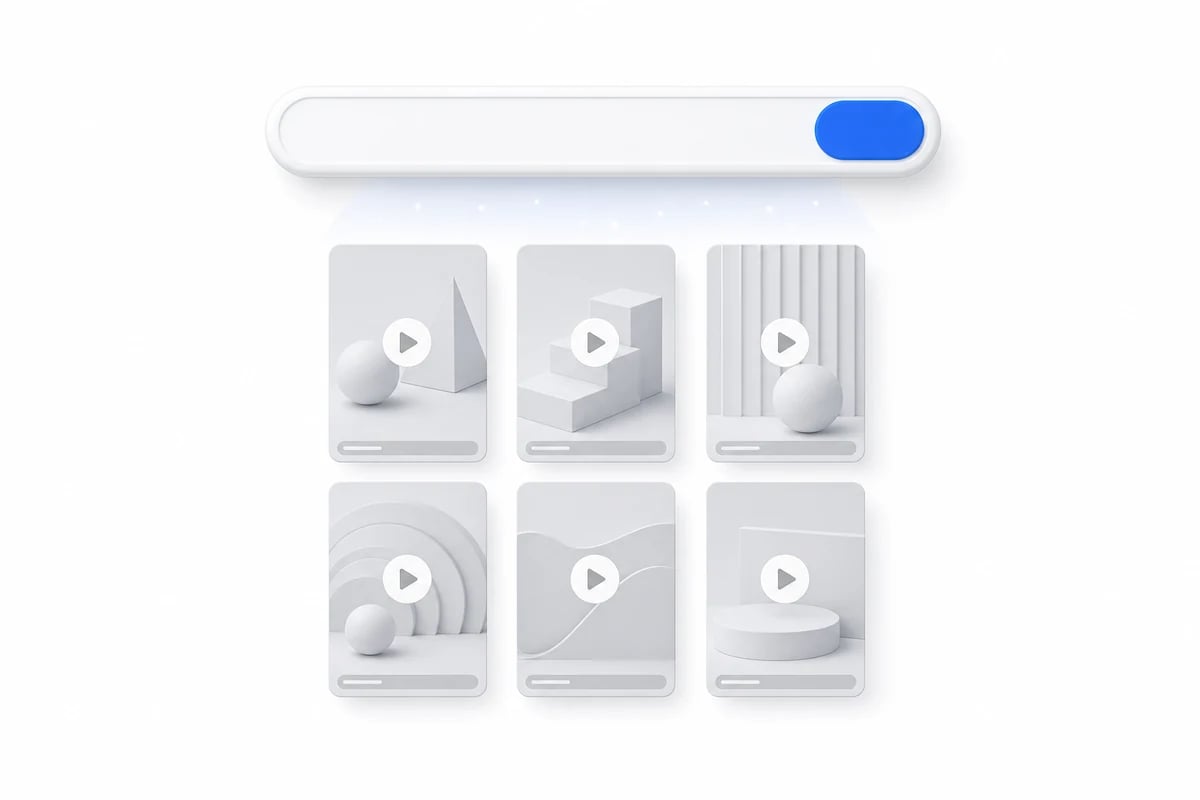
Paste @username to browse a whole profile

Every video gets its own download button — no bulk selection needed.

Why 3stik

Why the Reposts tab is useful

Taste without the noise

Reposting is a public endorsement, so the tab reads like a shortlist someone assembled on purpose.

Original files, not copies

A repost points at the author's upload, so you save their video at their quality.

Credit stays attached

Filenames carry the handle of whoever made the clip, not the one who shared it.

How it works

From reposts tab to saved file.

No screen recording and no quality loss along the way.

1
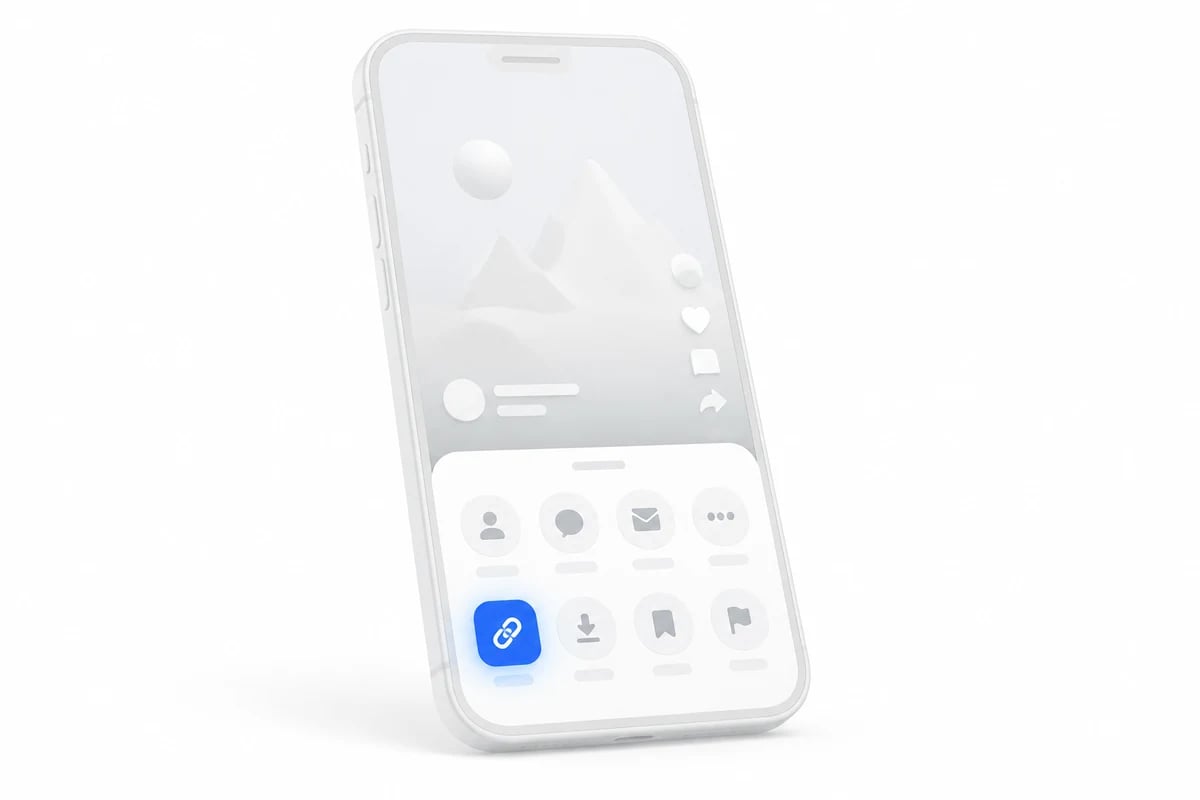
Copy the profile link

Open the profile, tap Share → Copy link, or type the @username.

Phone showing a share sheet with the copy link button highlighted
2
Switch to the Reposts tab

3stik loads the profile and you pick Reposts from the content tabs.

A paste box turning into a grid of videos
3
Download any clip

1080p, 720p, MP3 or cover — the source file, no watermark.

A video card with a download button and format options
What you can grab

What you get from a reposts tab

01
One reposted video

The original upload in 1080p, not a re-encoded copy.

02
The full reposts tab

Every clip on the tab, newest first, each with its own button.

03
Original credit

The uploader handle and caption stay attached to the file name.

04
Audio only

Pull the sound of a reposted clip as 320 kbps MP3.

In detail

Understanding reposts

A repost is a pointer, not an upload

When someone reposts, TikTok does not copy the video onto their profile. It records that they shared it and keeps serving the original author's file. That is why the download you get is identical to what you would pull from the creator's own page, and why deleting the original makes the repost vanish from the tab too. Nothing about the sharing account changes the file.

The tab can be turned off

Reposts are public by default but the setting can be changed, and some accounts keep the tab hidden. An empty result means either nothing has been reposted or the profile chose not to show it, and the platform does not distinguish between the two from the outside. Trying a different profile is usually faster than waiting for one to open up.

Reposting is not the same as liking

A like is a private signal that may or may not be visible; a repost pushes the clip into other people's feeds and carries the sharer's name with it. Because of that, reposted content skews toward things people are comfortable endorsing publicly, which makes the tab a different kind of list from a Liked tab even for the same person.
Formats

What a reposted clip downloads as

Reposts behave like any other upload: four files, same quality, no watermark on the clean MP4.

FormatQualitySize ~Watermark
MP41080p · 60fps14 MB / 15sNone
MP4720p7 MB / 15sNone
MP3320 kbps1.1 MB
JPGCover image, original240 KBNone
By device

Downloading on iPhone, Android or desktop

Same flow everywhere — only the destination folder changes.

On iPhone and iPad

Open the link in Safari, paste it into the box at the top of the page and hit Download. The file lands in Safari's Downloads; long-press it and choose Save to Photos if you want the video in your library.

On Android

Paste the link into Chrome and hit Download. The video is saved to your Download folder and usually shows up in the Gallery app within seconds.

On desktop

Paste the link into any browser on Windows or macOS. The file goes to your default Downloads folder, keeping full 1080p quality and the original audio.

FAQ

TikTok reposts, answered.

Why reposts behave differently from a normal upload.

The tab only appears once an account has reposted at least one video, and the owner can hide it. If TikTok does not show it publicly, there is nothing to list.

Try it with your first link.
Free, unlimited downloads, no account needed.