TikTok followers viewer

See the TikTok followers of any public account.

Paste an @username and 3stik lists the followers TikTok shows publicly. Tap anyone in the list to jump straight into their videos.

public profiles · handle · follower count · one tap to their videos
2.4M
links downloaded
$0
unlimited downloads
~3s
per link
What you get
MP4 no watermark
MP4 with watermark
MP3
Cover image
Paste @username to browse a whole profile

Every video gets its own download button — no bulk selection needed.

Why 3stik

Why read a follower list here

Faster than scrolling the app

The list arrives as one page of cards with handles and counts, instead of a modal you drag through.

Numbers you can judge at a glance

Follower and video counts sit on every card, so empty accounts are obvious immediately.

One tap into their videos

Pick anyone in the list and their uploads load right away, each with a download button.

How it works

From a handle to a follower list.

Read a public list without scrolling the app.

1
Copy the profile link

Open the profile, tap Share → Copy link, or type the @username.

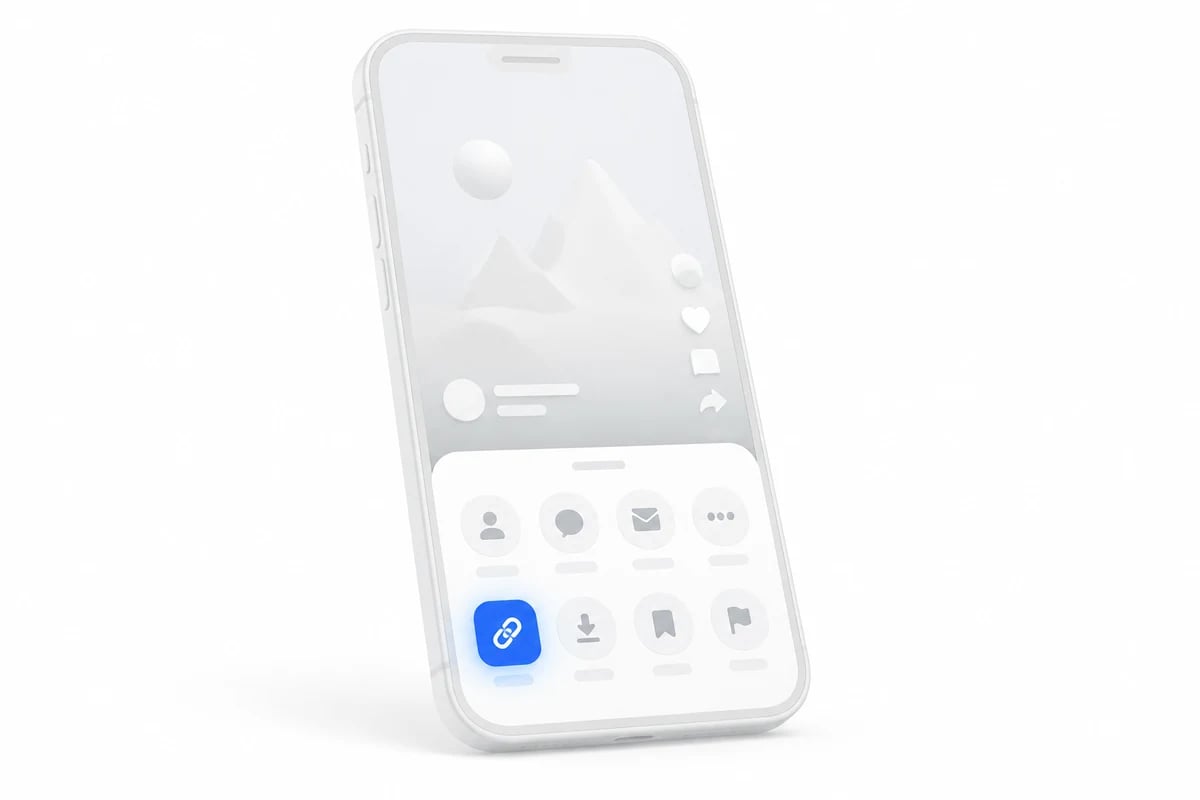
Phone showing a share sheet with the copy link button highlighted
2
Paste it here

3stik reads the public follower list and shows it as cards.

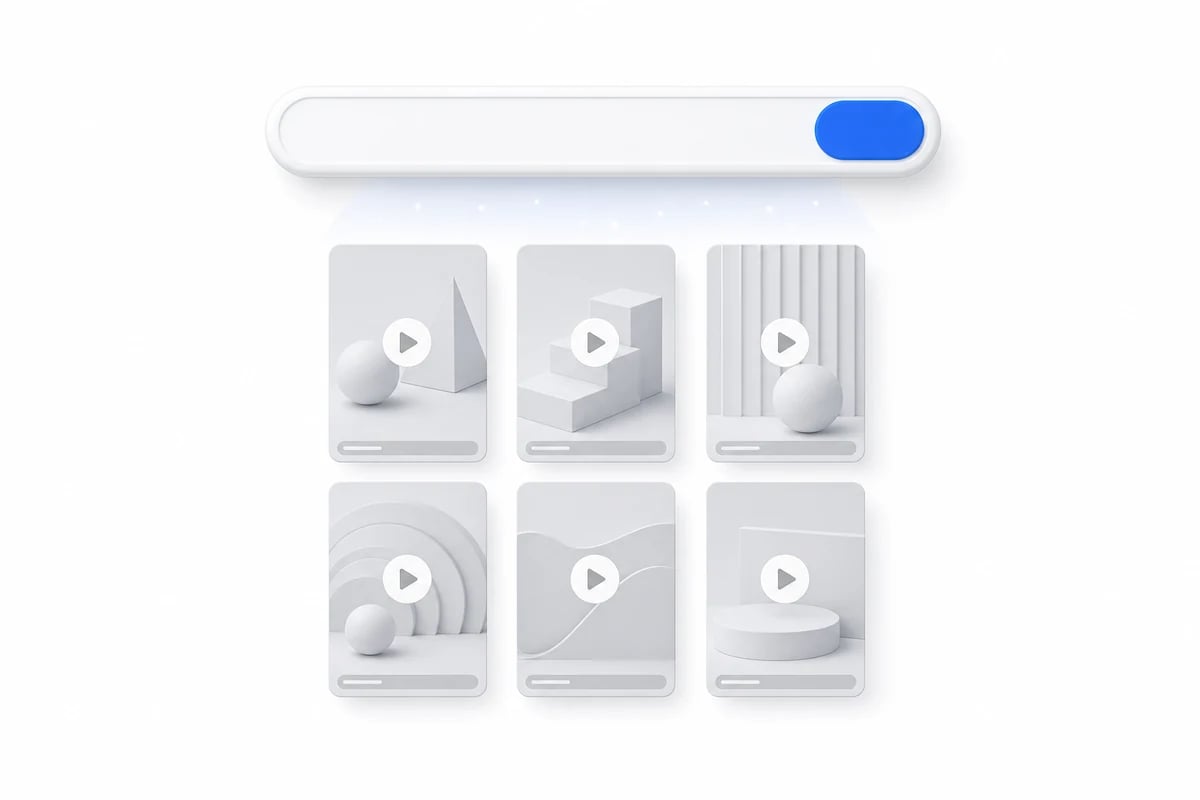
A paste box turning into a grid of videos
3
Open anyone you want

Tap a card to load that person's videos and save any of them.

A video card with a download button and format options
What you can grab

What the follower list shows

01
Handle and display name

Exactly as TikTok publishes them, verified badge included.

02
Follower and video counts

Enough to tell a real account from an empty one at a glance.

03
One tap through

Pick anyone and their videos load right away, ready to download.

04
No login

Nothing is connected to your own account and nothing is stored.

In detail

What TikTok publishes about followers

You see the opening page, not the whole list

TikTok exposes the first slice of a follower list publicly and stops there. An account with two million followers still shows only that opening batch, and the platform provides no way to page deeper without being logged in as someone with access. So treat what you see as a sample of recent or nearby followers rather than a complete roster, and be skeptical of any service claiming to export a full list.

Following lists are effectively closed

The other direction, who an account follows, is hidden on virtually every profile now. TikTok made that list private by default and the API simply answers that the profile is hiding it. That is why this page covers followers only: building a following viewer would mean shipping a page that returns an error for almost everyone who tries it.

A follower with zero videos is normal

Plenty of accounts exist only to watch. They follow hundreds of creators and never post, so a zero on the card is accurate rather than a loading failure. The same goes for a blank avatar or a handle made of digits, which is what TikTok assigns when someone signs up and never edits their profile.
By device

Downloading on iPhone, Android or desktop

Same flow everywhere — only the destination folder changes.

On iPhone and iPad

Open the link in Safari, paste it into the box at the top of the page and hit Download. The file lands in Safari's Downloads; long-press it and choose Save to Photos if you want the video in your library.

On Android

Paste the link into Chrome and hit Download. The video is saved to your Download folder and usually shows up in the Gallery app within seconds.

On desktop

Paste the link into any browser on Windows or macOS. The file goes to your default Downloads folder, keeping full 1080p quality and the original audio.

FAQ

Follower lists, answered.

What TikTok publishes and what it keeps back.

TikTok publishes the first page of a follower list and nothing more. A profile with a million followers still exposes only that opening slice, so that is what you get here.

Try it with your first link.
Free, unlimited downloads, no account needed.