TikTok liked videos downloader

Download the TikTok videos a profile liked.

When an account leaves its Liked tab public, every clip in it can be saved. Paste the @username and 3stik lists them with a download button each.

liked tab · public accounts only · MP4 · MP3
2.4M
links downloaded
$0
unlimited downloads
~3s
per link
What you get
MP4 no watermark
MP4 with watermark
MP3
Cover image
Paste @username to browse a whole profile

Every video gets its own download button — no bulk selection needed.

Why 3stik

Why a Liked tab is worth opening

A curated list, not an algorithm

What someone hearts is a deliberate choice, so their Liked tab is often a better shortlist than any feed.

Every clip keeps its author

Files are named after whoever uploaded the video, not the account that liked it.

Read-only and quiet

Nothing is sent back to the account you looked at, and no login of yours is involved.

How it works

From a Liked tab to saved files.

Three steps, no app and no screen recording.

1
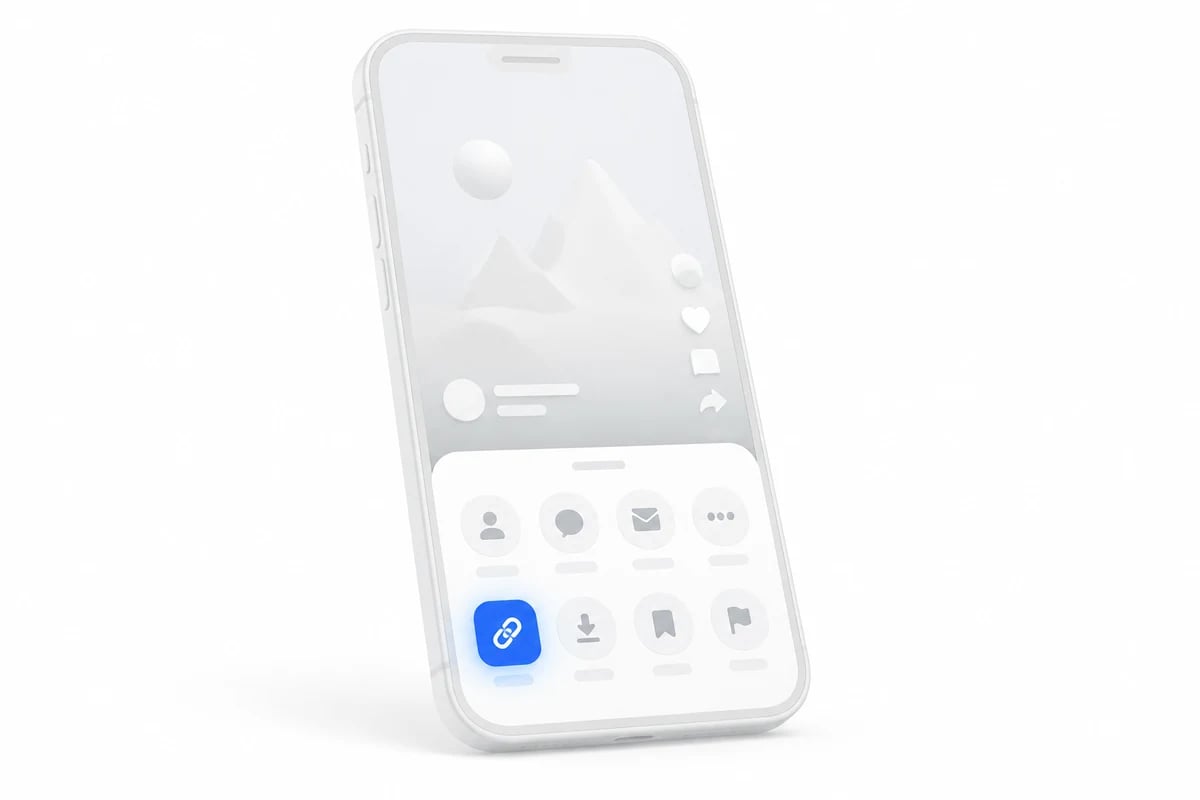
Copy the profile link

Open the profile, tap Share → Copy link, or simply type the @username.

Phone showing a share sheet with the copy link button highlighted
2
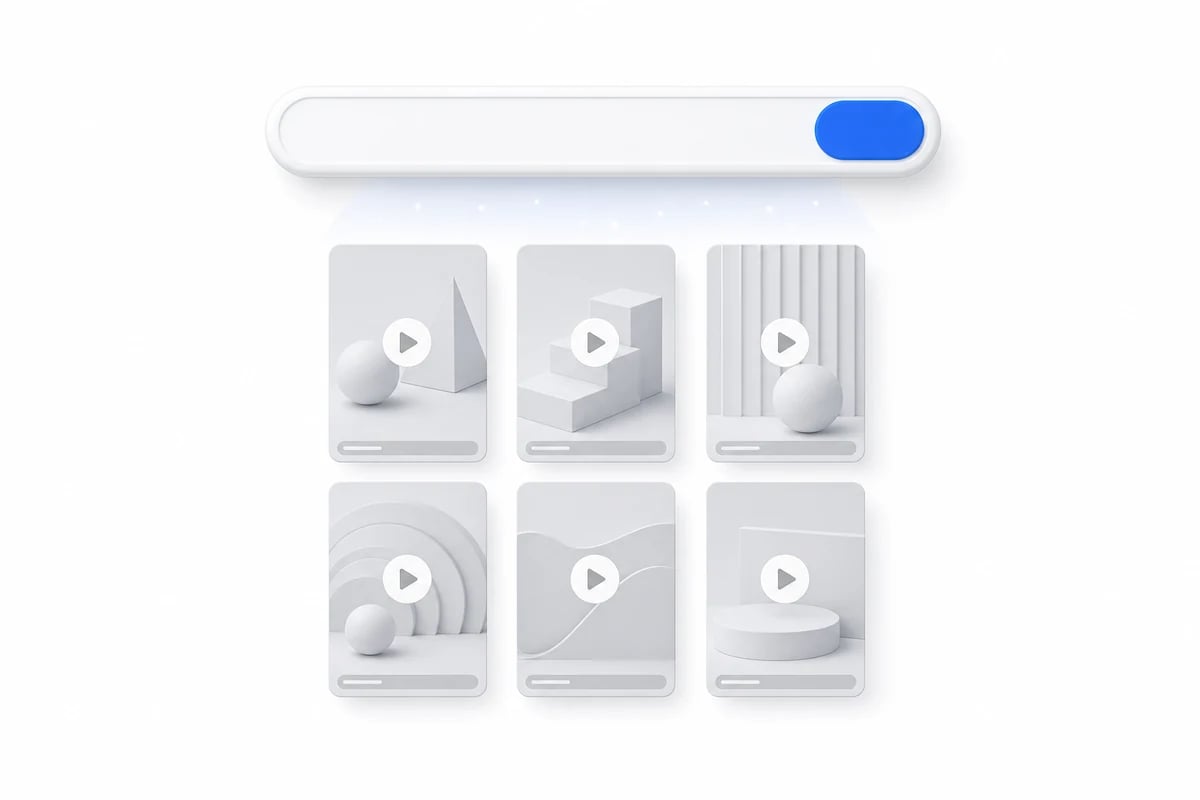
Paste it here

3stik reads the public Liked tab and lays the clips out in a grid.

A paste box turning into a grid of videos
3
Download what you want

MP4 without a watermark, MP3 audio or the cover image.

A video card with a download button and format options
What you can grab

What a Liked tab gives you

01
The whole liked list

Clips the profile hearted, newest first, each with its own button.

02
Original uploaders

Every file keeps the handle of whoever posted it, not the one who liked it.

03
Clean MP4

The source file the platform serves, with no watermark burned in.

04
Audio only

Save just the sound of a liked clip when the video is not the point.

In detail

How the Liked tab really works

Most tabs are closed, and that is the default

TikTok ships with the Liked list set to private, and changing it takes a deliberate trip into privacy settings that most people never make. So an empty result here is the normal case rather than a sign something broke. There is no workaround: when the platform does not publish the list, nothing can read it, and any tool promising otherwise is either guessing or lying.

You are downloading someone else's upload

A like never creates a copy. The file you save belongs to the person who posted it, at the resolution they uploaded, with their handle in the filename. That matters if you plan to repost anything: credit follows the original author, not the account whose tab you browsed. For personal reference and offline viewing this is rarely an issue, but reuploading someone's work without asking is still their call, not yours.

The list moves as they keep watching

Liked tabs are ordered newest first and shift every time the owner hearts something else, so the same profile can look different an hour later. If a clip matters to you, save it when you see it rather than bookmarking the position. Unliking removes an entry entirely, which is another reason the tab you loaded yesterday may be shorter today.
Formats

What comes out of a liked clip

Each video in the tab downloads the same four ways as any other TikTok upload.

FormatQualitySize ~Watermark
MP41080p · 60fps14 MB / 15sNone
MP4720p7 MB / 15sNone
MP3320 kbps1.1 MB
JPGCover image, original240 KBNone
By device

Downloading on iPhone, Android or desktop

Same flow everywhere — only the destination folder changes.

On iPhone and iPad

Open the link in Safari, paste it into the box at the top of the page and hit Download. The file lands in Safari's Downloads; long-press it and choose Save to Photos if you want the video in your library.

On Android

Paste the link into Chrome and hit Download. The video is saved to your Download folder and usually shows up in the Gallery app within seconds.

On desktop

Paste the link into any browser on Windows or macOS. The file goes to your default Downloads folder, keeping full 1080p quality and the original audio.

FAQ

Liked videos, answered.

Why some Liked tabs open and others stay shut.

TikTok hides the Liked tab by default and most people never turn it on. If the owner keeps it private, no tool can read it — the data simply is not published.

Try it with your first link.
Free, unlimited downloads, no account needed.